With the current Freshdesk plan, we are allowed to have three full time agents and as many occasional agents as we need. We have to pay $1(US) for every day that an occasional agent logs in to our Freshdesk site.
Detailed documentation on adding new support agents can be found on the Freshdesk support site.
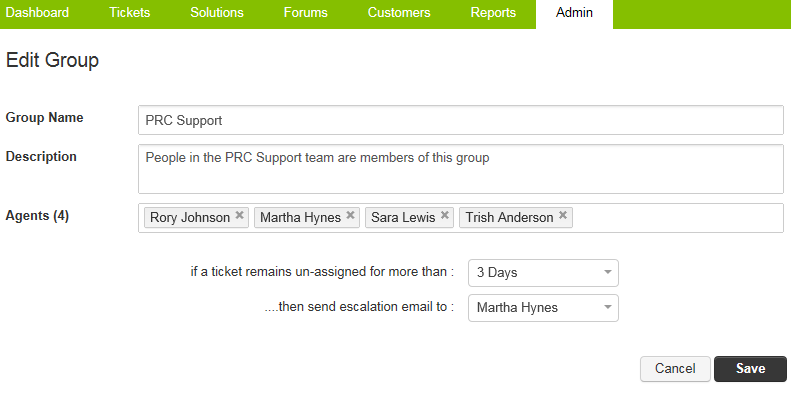
Once you have created the agent, if you are having trouble finding them to assign tickets to them, you may need to add them to a Group.
- Go to Admin > General Settings > Groups.
- This page shows the list of groups that we have. We currently only have one (PRC Support).
- Click on the Edit button on the right.
- Add the agent's name to the list of agents in the group.