
The Support site is referred to as a Portal for the purpose of Freshdesk administration.
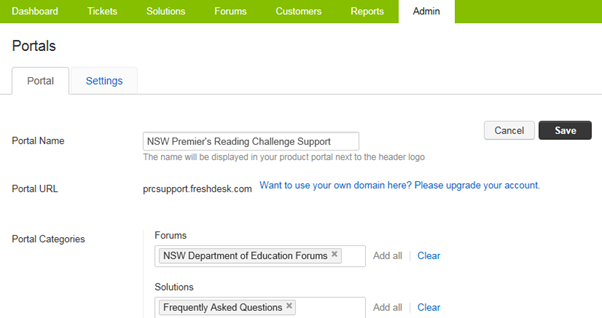
Go into the Admin tab then Support Channels > Portals
In this screen you are able to configure, rebrand and customise the look and feel of the Knowledge base and Support site.
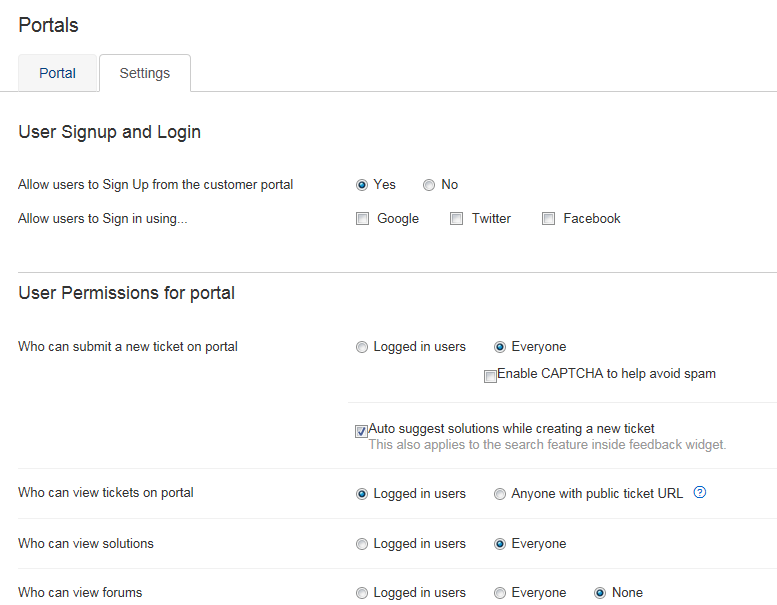
There is a second tab on this page named Settings. Within this page you can configure the behaviour and user permissions of the Knowledge base and Support site.
Further documentation can be found on the Freshdesk support site.