
Knowledge Base articles can be visible to
- everyone
- logged in users only
- agents only
This means that if you are not logged in, you may not be able to view all the content in the Knowledge base.
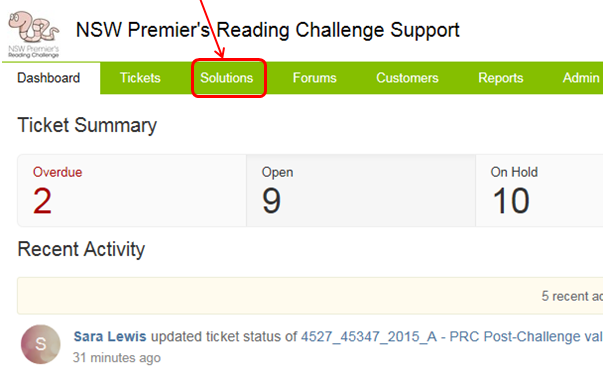
You can view the Knowledge base articles by clicking on the Solutions tab.
To find out what the link URL for an article is
- navigate to the article in a web browser
- copy the link that appears in the navigation bar for that article
To see all the articles that are currently in 'Draft' state, look at the right hand pane in the Solutions tab.
There is further information about
- populating your Knowledge Base
- managing your Knowledge Base
listed within Setting up the Customer Support Portal.