-
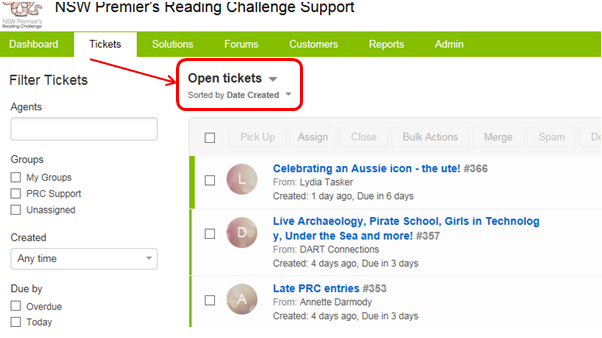
Go into the Tickets tab
- click on the text above the table of tickets that describes what sort of tickets are currently being displayed
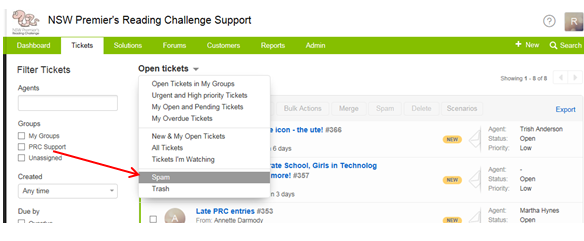
Click on the Spam option in the drop down list
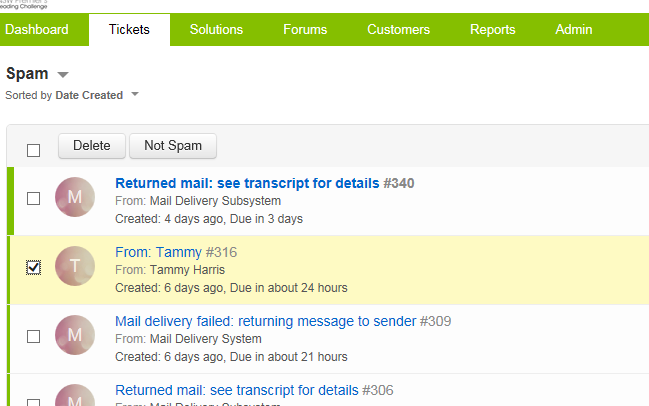
All the tickets listed will be categorised as Spam. You can choose to either Delete or mark them as Not Spam using the buttons at the top of the screen. These buttons will become active once you have ticked the checkbox alongside one or more tickets.